Introduction
When I first purchased my car, I was initially impressed with its infotainment system. However, the lack of modern integration features and limited functionality left me wanting more.
Initial Challenges
The car’s 12.2-inch screen, while impressive, was restricted by its reliance on Bluetooth and a Chinese phone screen mirroring app called QDlink. This app was the only way to access Google Maps navigation, but it required a wired connection and constant phone screen activation, which was inconvenient. Additionally, the mirroring feature only utilized a portion of the screen, limiting its usability.
Finding a Solution
Fortunately, an update to the infotainment system introduced wired Apple CarPlay, but as an Android user, I was still searching for a suitable alternative. After some research, I discovered that Russian Telegram groups were offering a service to modify the infotainment system and add features like Android Auto and APK installation. While this seemed promising, the high cost, potential warranty void, and requirement for physical modifications made it impractical.
The Search for an Aftermarket Dongle
I learned that since my car wasn’t originally equipped with Android Auto, it was unlikely to receive a future update. This led me to explore aftermarket dongles and boxes, with Carlinkit being a well-known brand in this area.
Carlinkit 4.0: Initial Disappointment
https://www.carlinkit.com/carlinkit4.0-cp2a
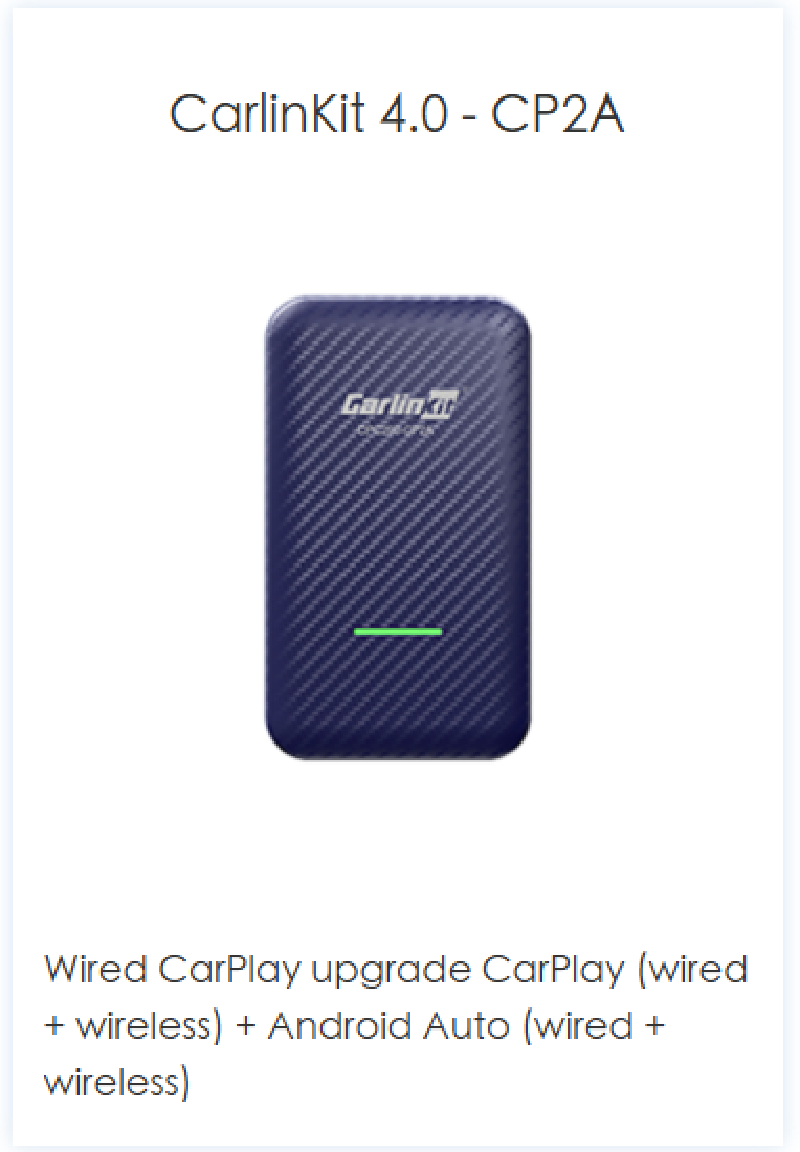
I decided to try the Carlinkit 4.0, which promised to convert wired Apple CarPlay to Android Auto. However, I encountered issues with the aspect ratio and occasional freezes, leading me to return the product.
Carlinkit Android AI Box: A Success
Determined to find a solution, I purchased the Carlinkit Android AI box. Despite its slightly higher price, it offered several advantages, including a USB port and HDMI output.
Upon receiving the device, I was pleased with its performance. It connected to my Android phone quickly and seamlessly, providing access to Google Play Store, allowing me to install various apps.
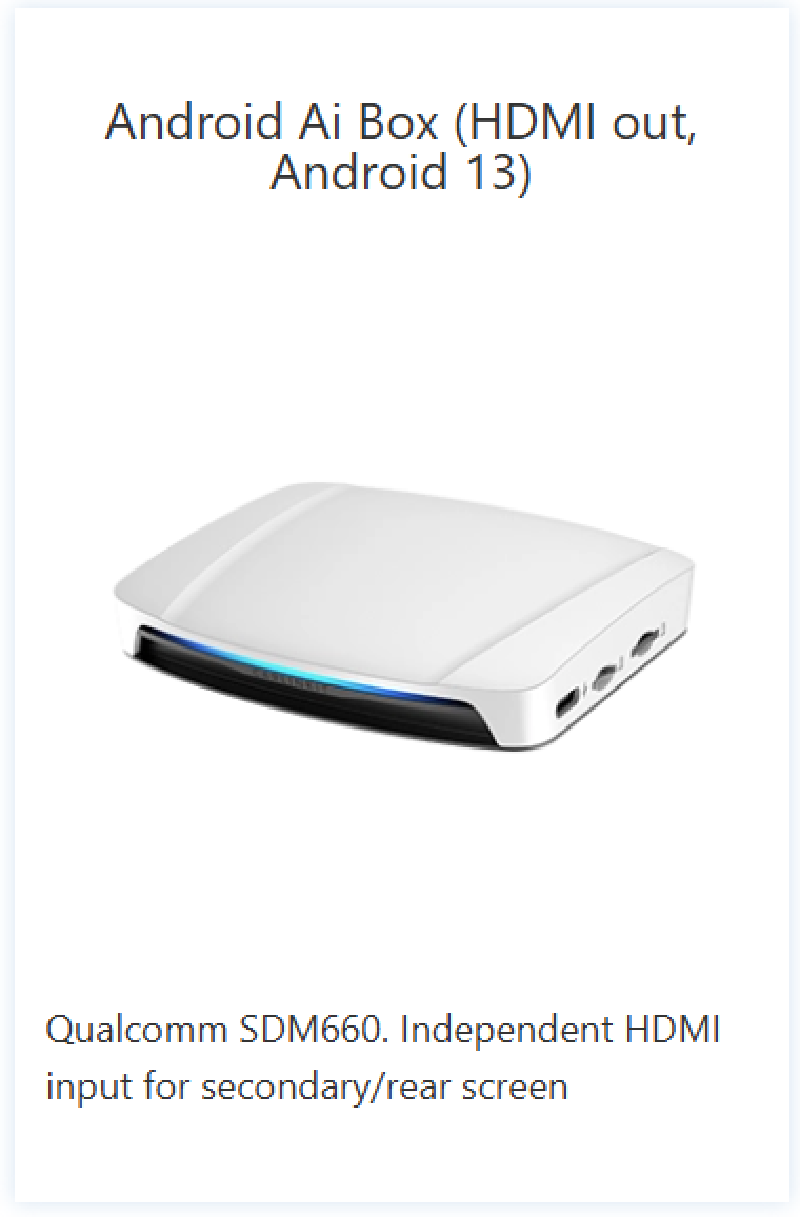
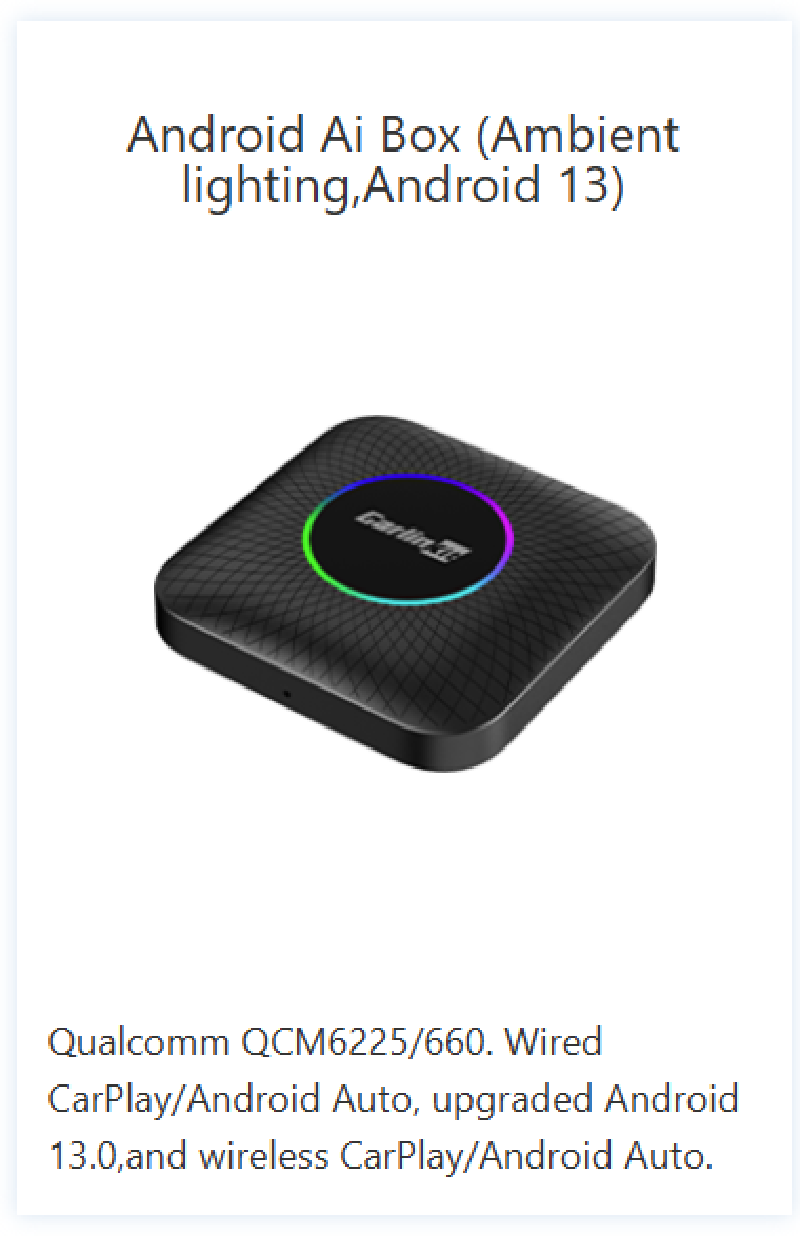
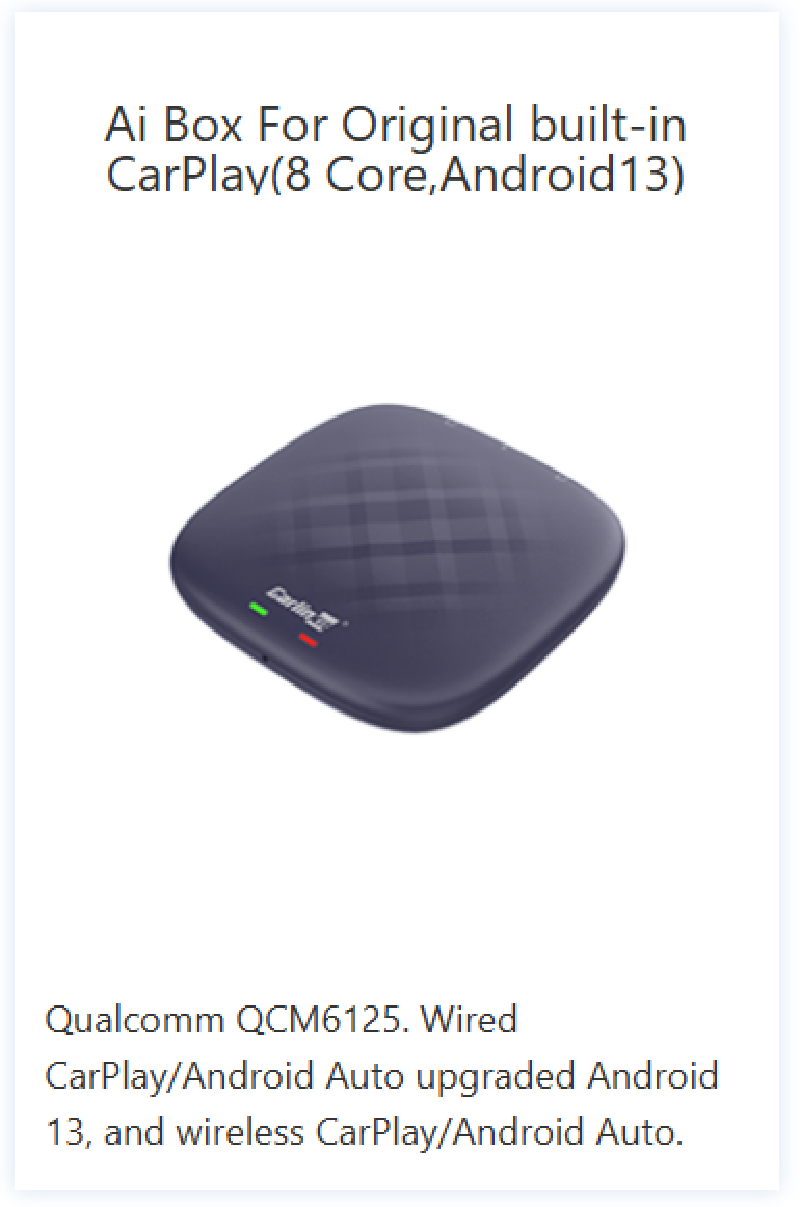
Current choices from Carlinkit
https://www.carlinkit.com/uhd660
https://www.carlinkit.com/ambient
https://www.carlinkit.com/tbox-plus
Conclusion
After facing initial challenges with my car’s infotainment system, I was able to find a suitable solution with the Carlinkit Android AI box. This device provided me with the desired Android Auto integration, expanding the functionality and convenience of my car’s technology.